From AI-generated draft to your company’s format.
Tony, your formatting agent, learns your company’s style. Apply it to your drafts with one click.
Lose the AI look. Keep your content.
See TemplateTwin in action. No account required.
PowerPoint and Excel plug-ins in development · Beta access by invitation
Works across
-
 PowerPoint.pptx · editable
 -
 Excel.xlsx · editable
See how the draft and TemplateTwin output compare with the reference.
PPT example
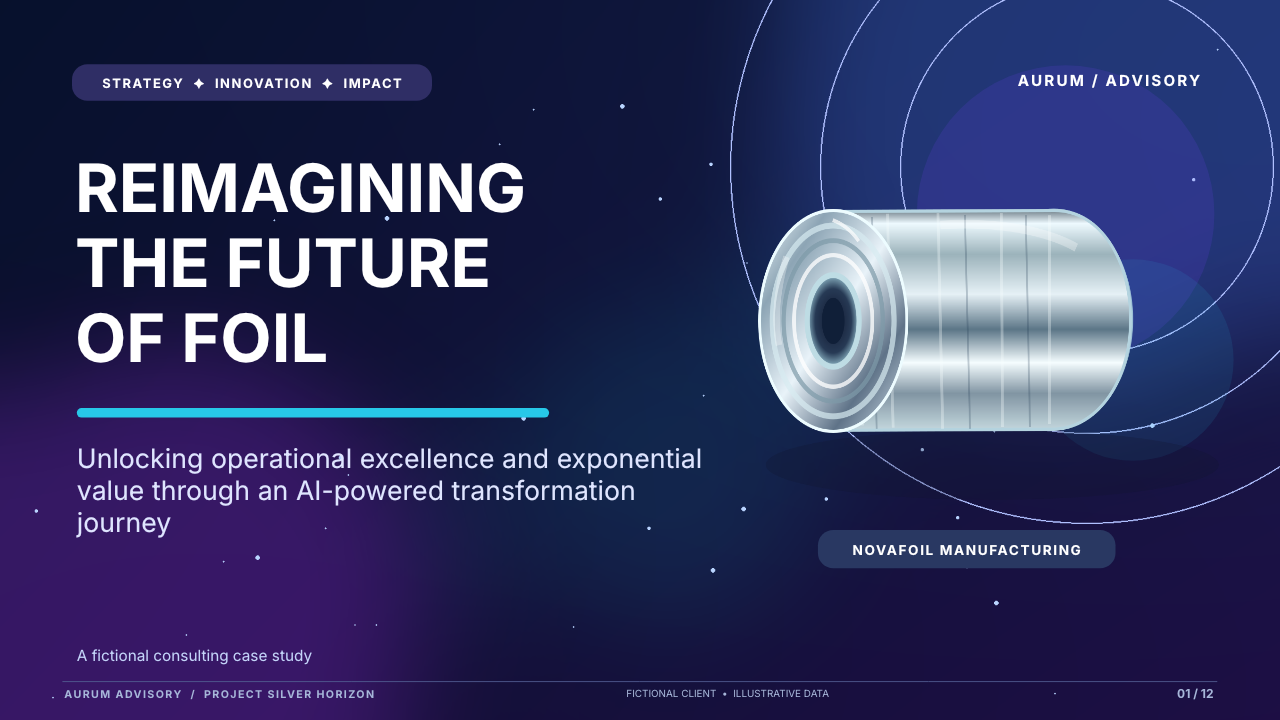
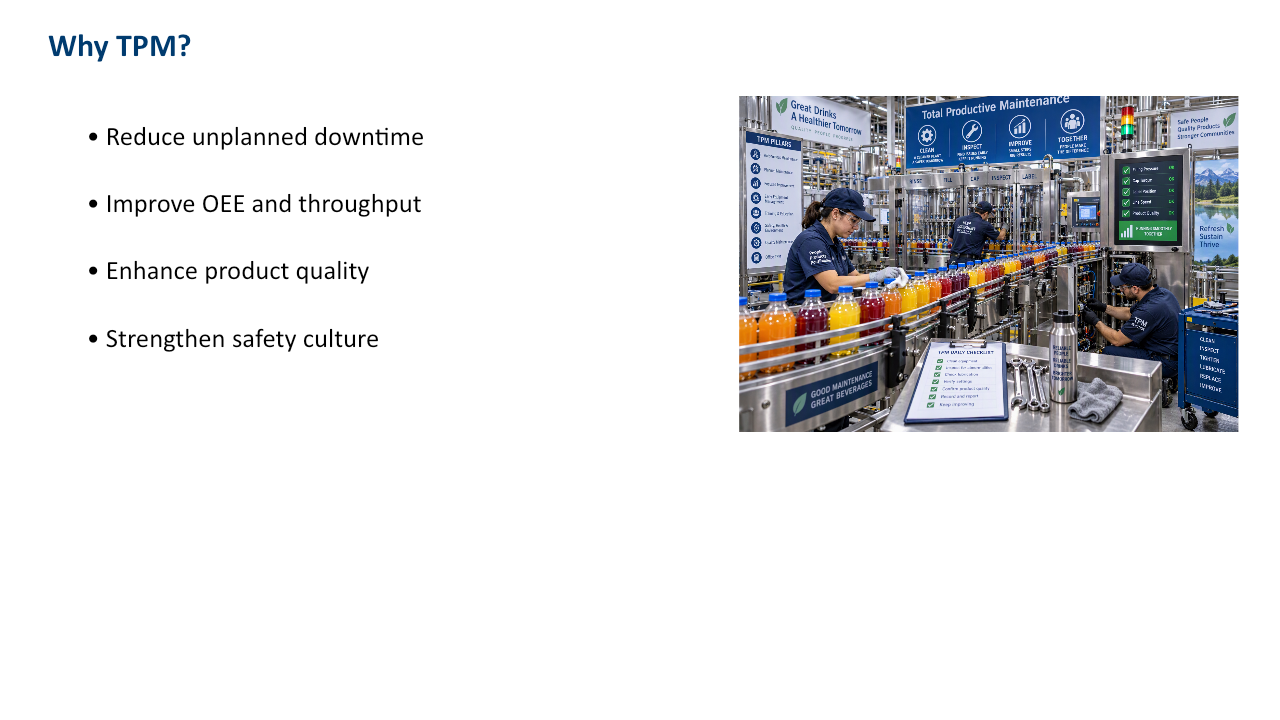
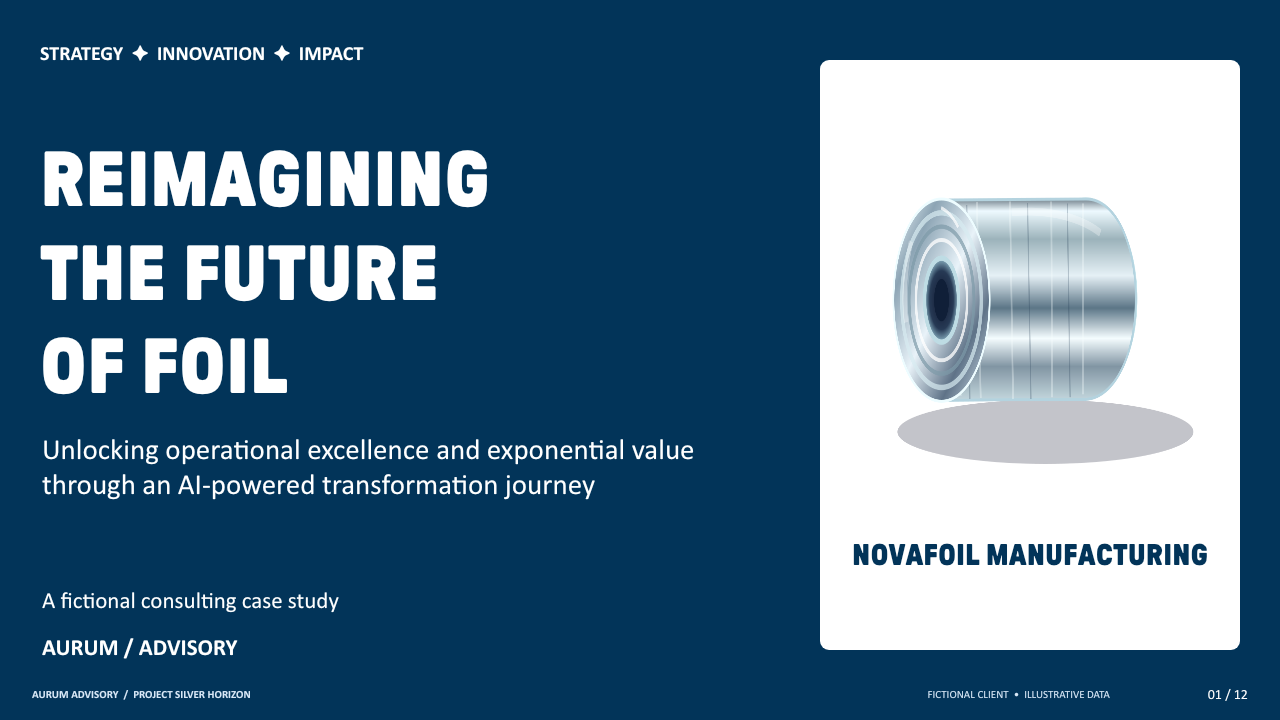
Download full decks (.pptx)Aluminum foil / PepsiCo
Actual TemplateTwin output. Download the editable files.
Excel example
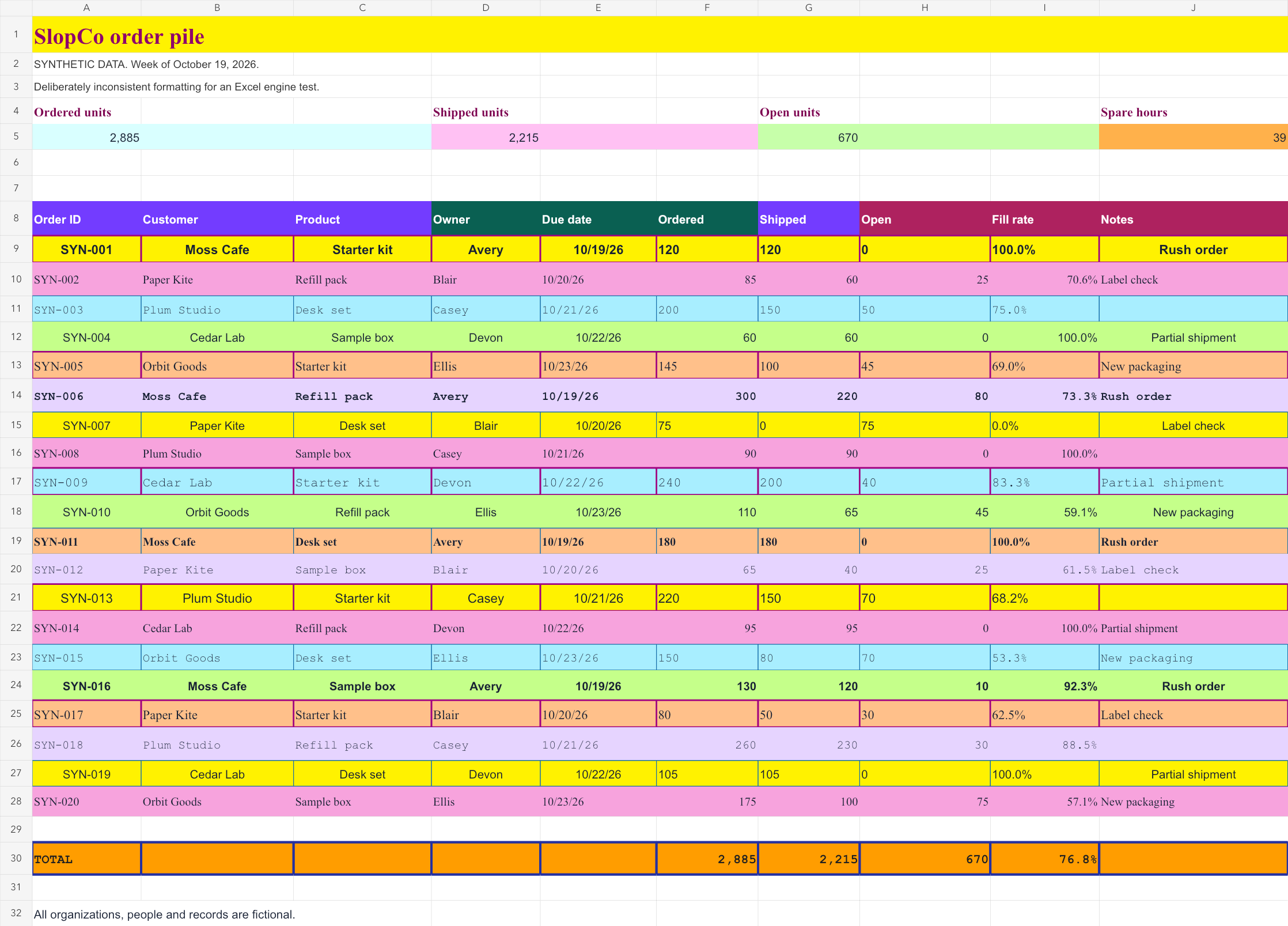
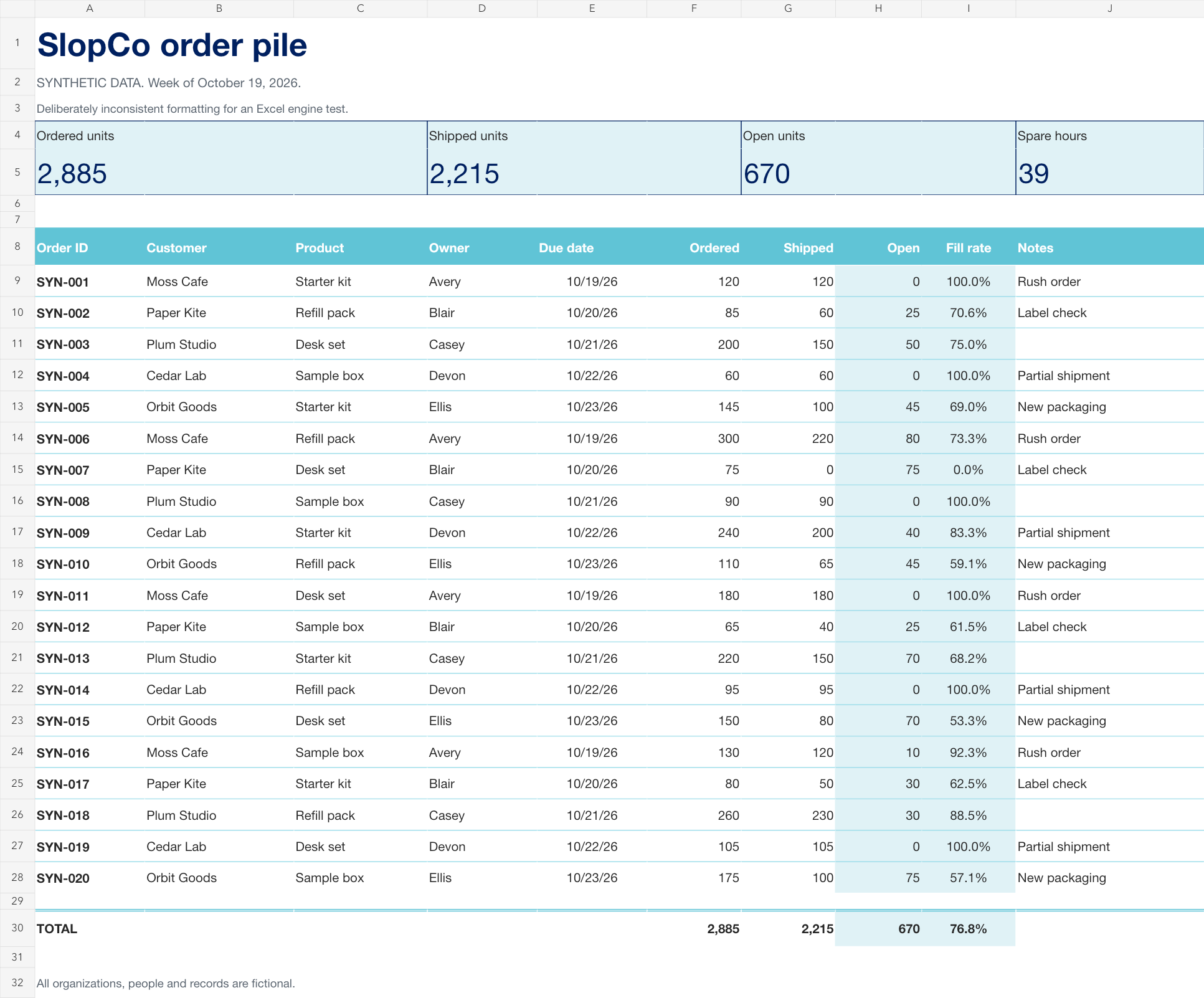
Download full workbooks (.xlsx)Orders and capacity
Synthetic data. Actual TemplateTwin output.
HOW IT WORKS
Company-approved formatting, in three steps.
- 01
Your admin uploads a reference.
An administrator provides a company-approved presentation or workbook. Tony uses it to establish your organization's formatting standards.
- 02
Tony builds your reusable template.
Tony captures your company's layouts, colors, typography, and spacing, creating a consistent formatting standard for future files.
- 03
Apply it in PowerPoint or Excel.
Open your draft and click Apply. Tony transforms the formatting to match your company's standard while preserving your content.


PowerPoint plug-inComing soon
TemplateTwin lives
inside .
- 01Choose a saved template.
- 02Click Apply company template.
- 03Review your new deck.
| A | B | C | D | E | F | G | |
|---|---|---|---|---|---|---|---|
| 1 | |||||||
| 2 | JP STANLEY | ||||||
| 3 | Quarterly performance · $000 | ||||||
| 4 | Segment | Q1 | Q2 | Q3 | YTD | ||
| 5 | Advisory | 120 | 135 | 148 | 403 | ||
| 6 | Asset management | 210 | 224 | 238 | 672 | ||
| 7 | Banking | 165 | 172 | 186 | 523 | ||
| 8 | Revenue | 495 | 531 | 572 | 1,598 | ||
| 9 | Operating costs | 328 | 344 | 363 | 1,035 | ||
| 10 | Operating profit | 167 | 187 | 209 | 563 | ||
| 11 | Profit margin | 33.7% | 35.2% | 36.5% | 35.2% | ||
| 12 |
Revenue by quarter
$000Company-approved formatting.
Content preserved.
Your template, applied by Tony
Tony applies your company's approved layouts, typography, colors, and spacing to your PowerPoint or Excel file, eliminating repetitive manual formatting.
Automatically checked for accuracy
Automated quality checks compare your finished file against the original, detecting unintended changes to text, images, data, and formulas.
LET’S TALK
Request a demo or beta access.
Want to see it with your company’s template? Tell us about your team. We’ll contact you about a personal walkthrough, beta access, or both.
Explore the public demo first ↗
Access is by invitation. The PowerPoint and Excel plug-ins are in development.